
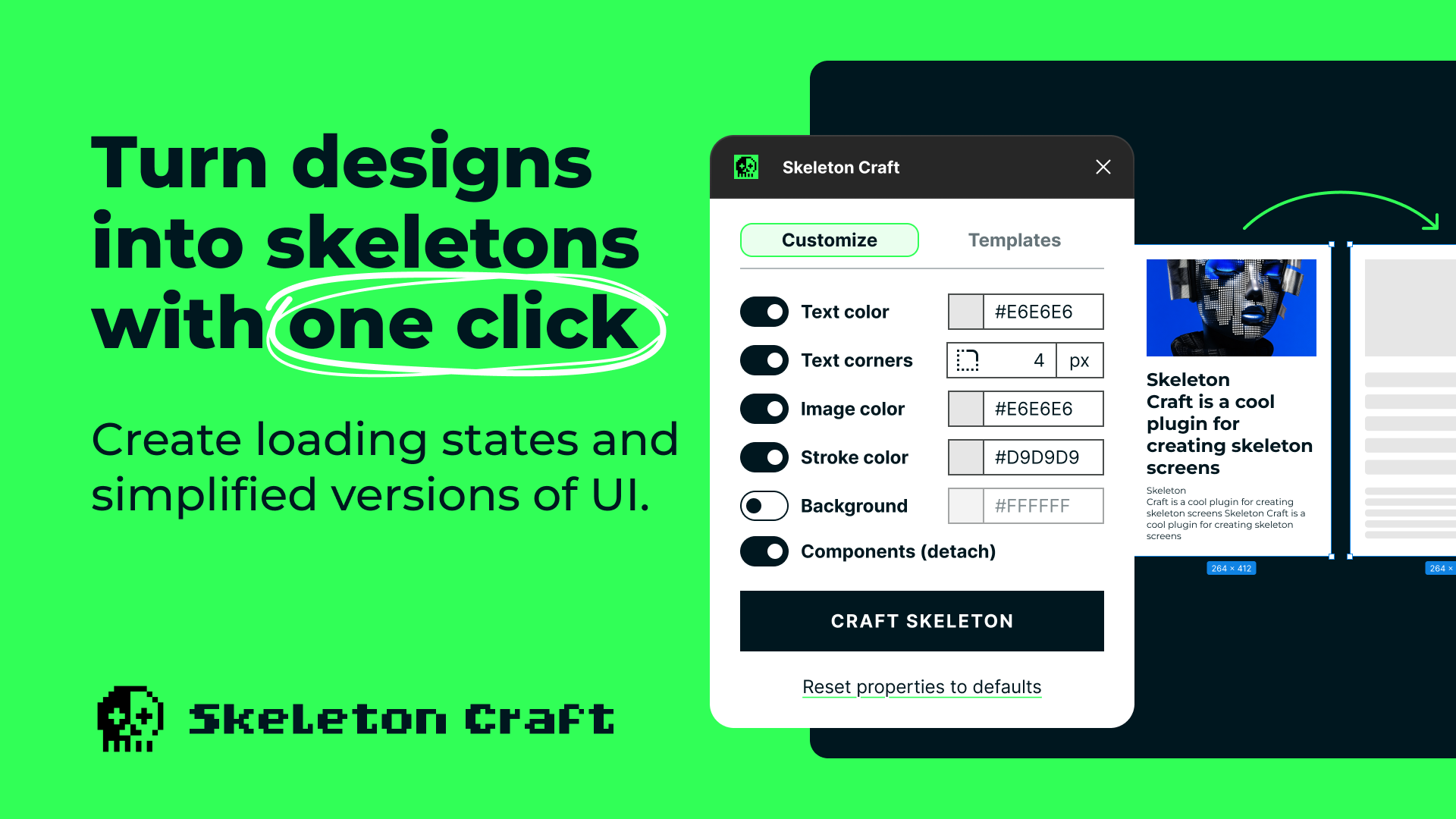
Skeleton Craft Figma Plugin
Description
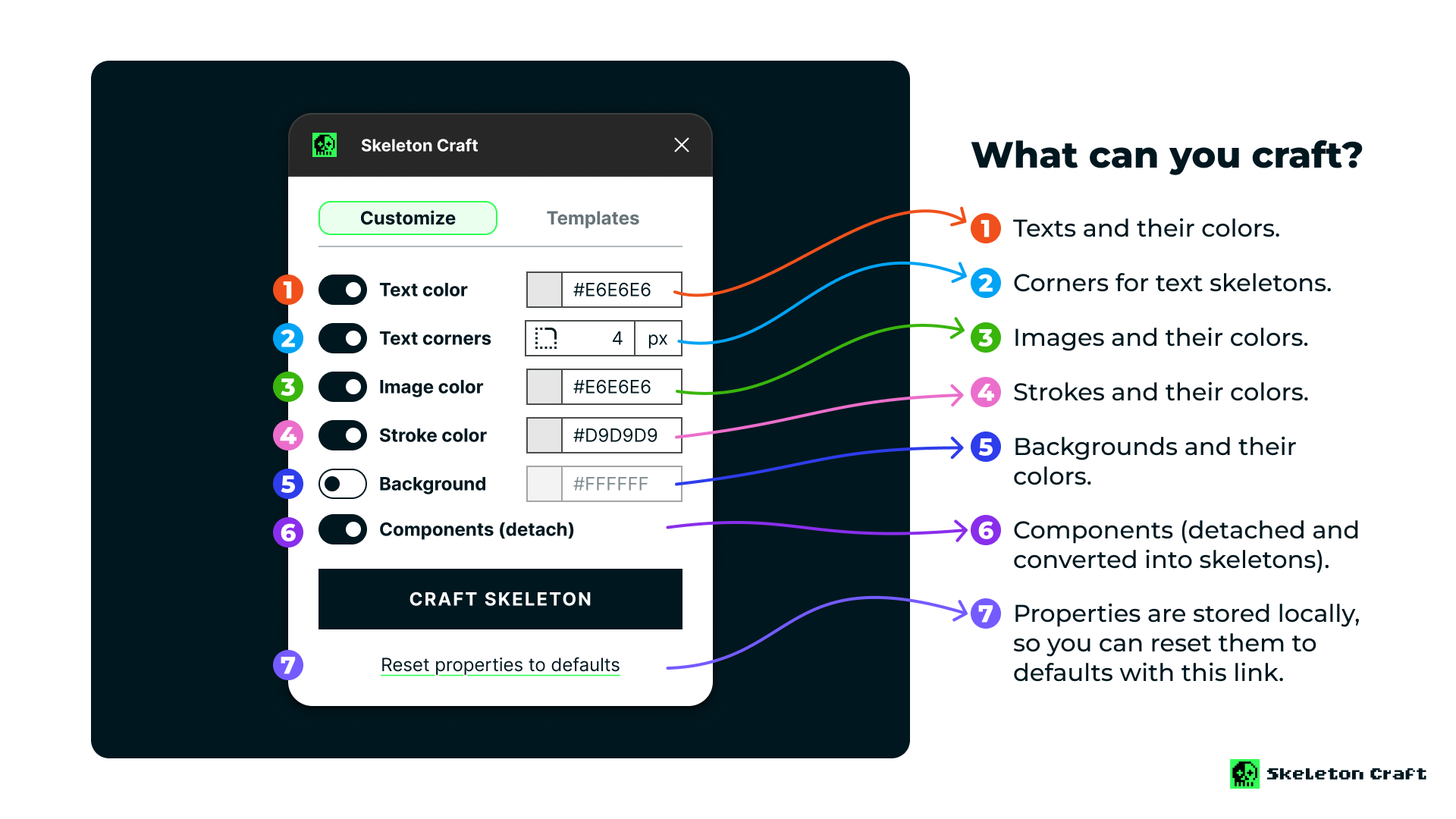
Skeleton Craft is a Figma plugin designed to help you create skeleton screens from your existing designs, enhancing your workflow efficiency. It supports elements like text (color and corner radius), strokes (color), inputs, images (color), and detaching component instances.
New in v2.0: Professional template system with 5 built-in themes, custom template saving and sharing, plus intelligent background color modes for complete loading state mockups.
Whether you're working on prototypes, preparing presentations, or creating simplified graphics for marketing and web interfaces, Skeleton Craft provides a powerful yet straightforward solution for visualizing and iterating on your designs.
Use Cases
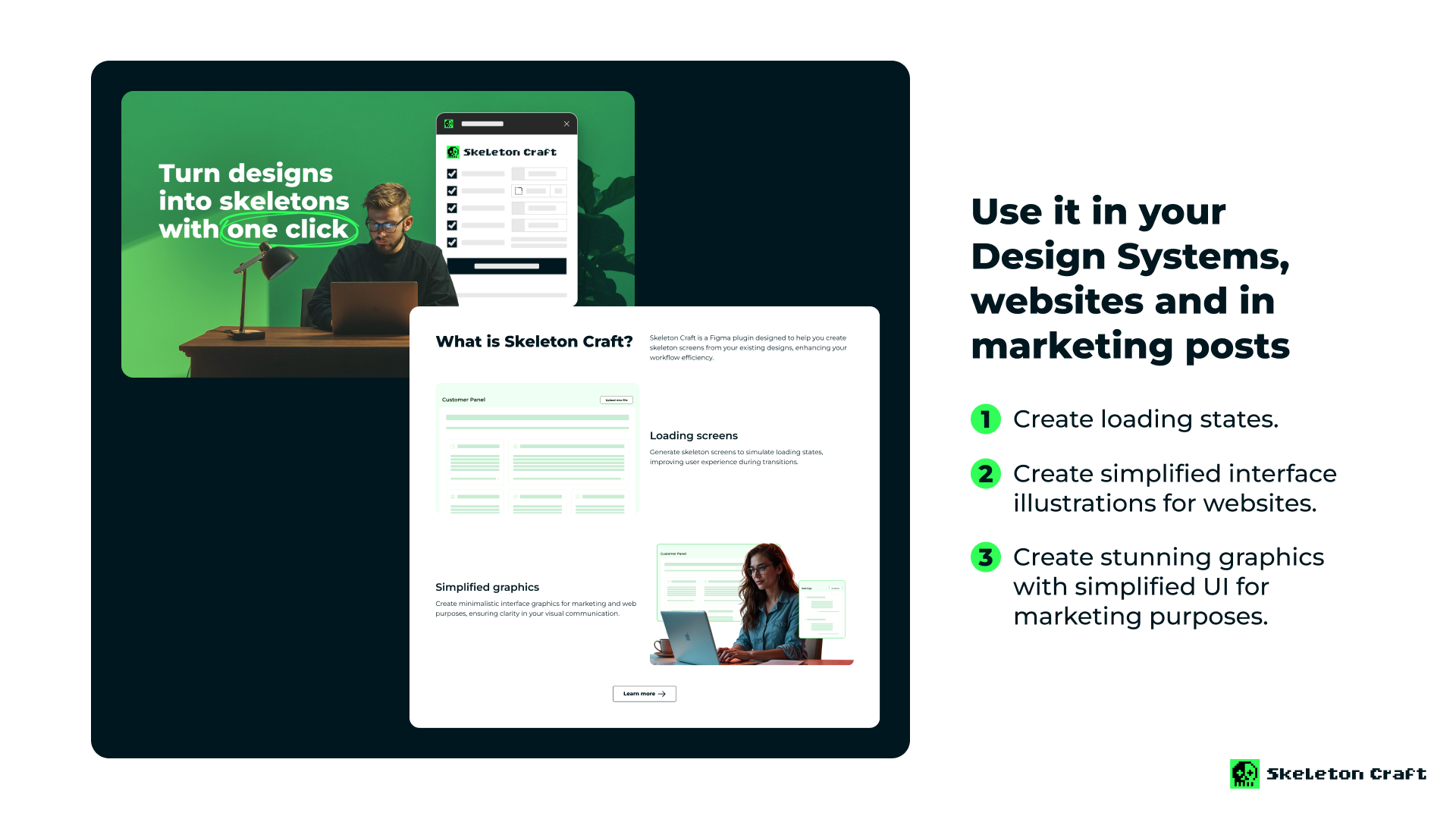
- Loading screens: Generate skeleton screens to simulate loading states, improving user experience during transitions. Use templates to maintain consistency across your entire product.
- Design system integration: Create and share skeleton templates that match your design system, ensuring consistent loading states across teams.
- Simplified graphics: Create minimalistic interface graphics for marketing and web purposes, with complete control over backgrounds and element styling.
- Rapid prototyping: Quickly iterate on loading state variations using built-in templates or your own custom presets.
How to Use
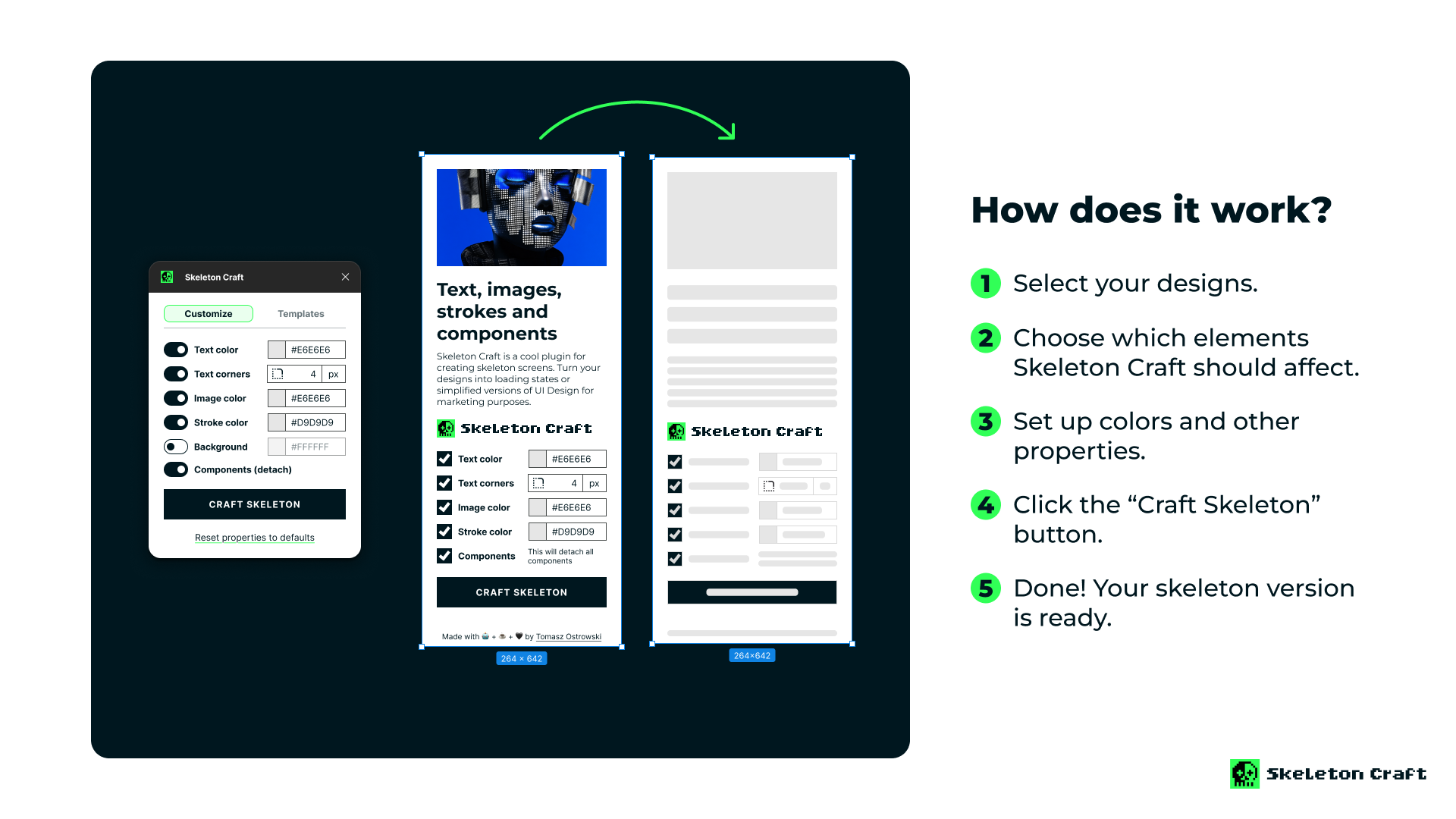
- Select the elements you want to transform.
- Choose a template (optional) or customize colors, corners, and background settings.
- Click "Craft Skeleton" and watch your loading states appear instantly.
- Your original designs remain untouched while skeletons are created alongside.
Pro tips:
- Try different built-in templates to find the perfect style.
- Save your custom settings as templates for quick reuse.
- Use Background Auto mode for intelligent element preservation.
- Share template codes with your team for consistency.
No items found.


